Add PLAY777 to your phone home screen
Create a shortcut for easier access next time. Menu names vary by phone and browser.
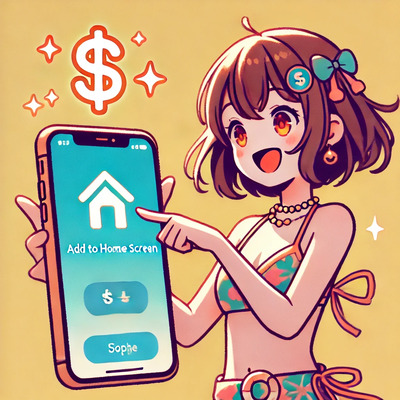
On Android
Open PLAY777 in Chrome, open the browser menu and look for Add to Home screen or Install app. Check the site name and address, then follow the instructions.
On iPhone
Open PLAY777 in Safari, tap Share and look for Add to Home Screen. Confirm the name and add it. If you are inside another app browser, open the site in Safari first.
Your shortcut and account
A shortcut makes reopening easier but does not guarantee that you stay signed in permanently. Use your original account when asked to sign in again. Any extra rewards and their conditions depend on current announcements and the member page.