How to Check PLAY777 on Mobile When It Won’t Open Smoothly
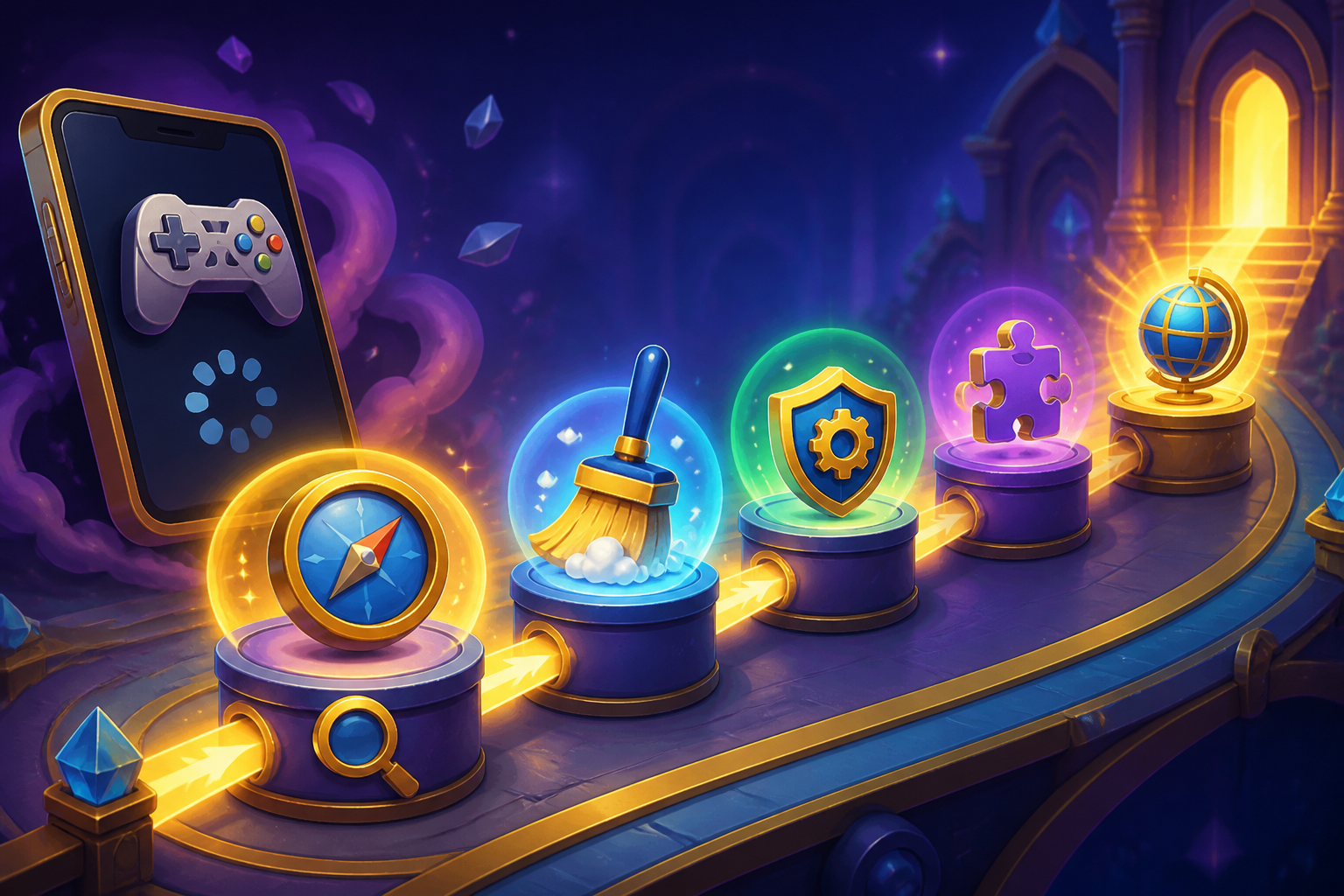
If PLAY777 gets stuck loading on your phone, shows an incomplete page, or won’t let you enter a game, check the login status, browser display, language version, and member center in order. The key is to compare what you can actually see, one step at a time, before deciding what to do next.
First, see where the page gets stuck
Open PLAY777 again on the same phone and the same browser, then check whether the problem appears on the homepage, the game lobby /game/, or the game entry /game/play/{id}. Each page has a different purpose. Being able to open the homepage does not mean login is complete, and the lobby and game entry follow the existing login and age-check flow.
If you can see a login screen, do not rush to switch games. First confirm whether you have actually logged in, whether you are on the correct language version, and whether the page looks the same as usual. The goal is to narrow the issue down to which part of the display is different.
- Separate whether the homepage, lobby, or game entry looks different
- A visible login screen does not mean login is complete
- Compare the current page with what you usually see
Check whether the login method matches
The PLAY777 login screen has LINE, Facebook, and Yahoo buttons; actual availability depends on what is shown on the screen and on service response. If you normally use one of these methods, keep using the same account and same login method, then go to the member center /member/ and check whether the member information matches what you expect.
The game lobby requires login, and the game entry also follows the site’s existing login and age-check flow. So if you see a login prompt again after reopening the site, treat it as part of the normal process first, confirm the login method you are using, and then continue checking the game page.
- Keep using the login method you originally used
- Check the member information in the member center before returning to the game page
- If login appears again, confirm the account source first
Compare the display in another browser
If the same page looks incomplete on your phone, open the same site in another browser and compare whether the display is the same. The point is not to jump to a conclusion, but to see whether the two browsers show the same content. If the content is different, then at least one entry path is presenting the page differently.
PLAY777 is a web platform, and you can also add it to your phone’s home screen through a browser, but that shortcut is only a convenient entry point and does not mean you stay logged in permanently. If you enter through a home screen icon, include that in your comparison so you do not mix up the shortcut entry with the regular browser entry.
- Use another browser to view the same page and compare the display
- A home screen shortcut is only an entry point, not a fixed login state
- Compare page content first instead of guessing the cause
Switch languages and check again
The site supports Traditional Chinese, English, Thai, Vietnamese, and Indonesian. If you switch between languages, the page text and menu names will change, and that is normal. If a button or prompt is hard to understand, switch back to the language you know best and check the current page again.
If you use the Indonesian version, you may also notice the related site markers: the known Indonesian subdomain and code use di, while the HTML language should be id. For ordinary players, the important thing is not memorizing the code, but making sure you are on the correct language page.
- Switch back to a familiar language and check the page again
- Page text and menu names may change after switching languages
- For the Indonesian version, note the di and id markers
Check the visible information in the member center
If the login and language are both confirmed but the page still looks wrong, go to the member center to check the member information, then return to the game lobby and compare. The member center is useful for checking whether the current account, member status, and page content match. If the member page looks normal but the game page looks different, the issue is more likely in how the game page is being displayed.
The platform has already canceled cash, USDT, and valuable prize exchanges, and game coins are only for gameplay. So if you were looking for exchange-related content and cannot find it, first compare that against this known platform information instead of assuming the browser is broken.
- Check the member center first, then compare it with the game page
- If member information looks normal, focus on the display difference
- Exchanges have been canceled, so missing exchange links do not automatically mean the browser is faulty
If it still does not work, stop and organize what you can see
If you have already compared the login method, browser, language version, and member center but still cannot enter smoothly, stop refreshing the same page over and over. At this point, the most useful thing is to organize the visible details clearly, such as the device model, browser name, login method, which page is stuck, and the exact text shown on the screen.
When you write things down, only record what you can actually see. Do not add your own guess about the cause. If there is a page prompt, login state, or member-content difference, note it directly and check again later using those visible details. That makes it easier to see which part does not match, compared with repeating the same action again and again.
- Do not keep refreshing the same page
- Write down the device, browser, login method, and stuck page
- Only record visible details, not your own guesses
Frequently asked questions
If PLAY777 keeps spinning on my phone, what should I check first?
First check whether you are stuck on the homepage, the game lobby /game/, or the game entry /game/play/{id}. Then confirm that your login method is the same as before, and compare the member center with the current language version.
Is it normal if the home screen shortcut asks me to log in again?
Yes. A home screen shortcut is only a convenient way to open the site, and it does not mean you stay logged in forever or that the login state is always kept.
If another browser shows a different page, how should I read that?
Treat it as a comparison result first, and do not rush to a conclusion. The main point is to see whether the two entry paths show the same content, then confirm the login method and language version again.
If I cannot see exchange or prize-related content, does that mean the site is broken?
Not necessarily. PLAY777 has already canceled cash, USDT, and valuable prize exchanges, and game coins are only for gameplay, so some related content may simply no longer appear.
Prepared and translated with AI assistance. Versions, offer conditions and interfaces may differ. Refer to the in-game help and member page.