How to confirm it is still your original PLAY777 account after changing phones or logging in again
After changing phones, switching browsers, or logging in again, the most important thing is to first confirm that you are using the same login method and the same account source. PLAY777 currently provides LINE, Facebook, and Yahoo login buttons, and both the game lobby and game entry follow the site’s existing login and age confirmation flow. A mobile shortcut also does not mean you can permanently skip login. First check the member information in the Member Center, then return to the login screen and verify the source; in most cases, that is enough to tell whether you are logged into your original account.
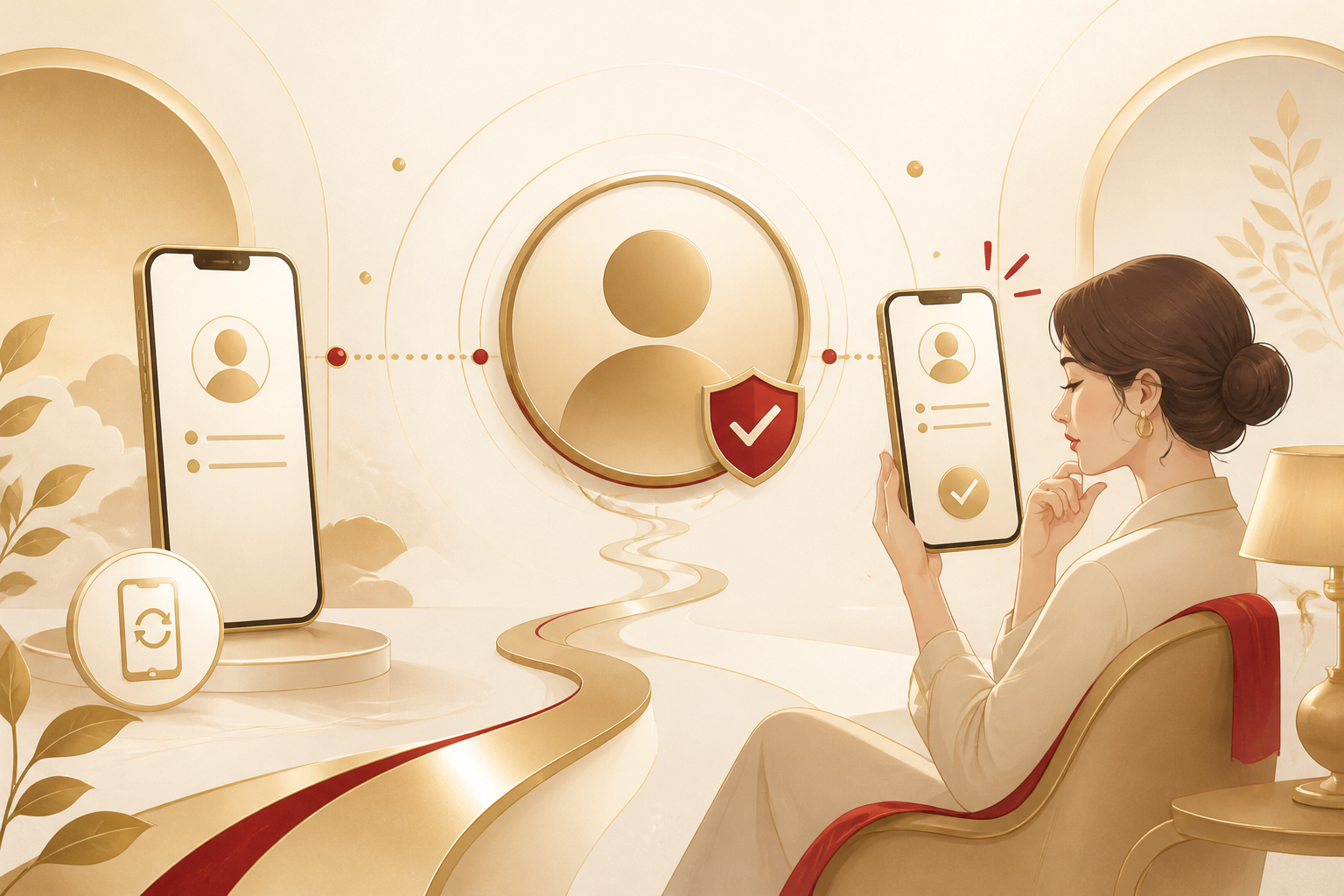
First confirm: which account source did you use to log in?
PLAY777’s login interface has LINE, Facebook, and Yahoo buttons, so after changing phones you should first remember which service you originally used to create or log in to the account. The most practical approach is to choose the same login method again first, then enter the Member Center and check whether the member information matches the status you originally recognized. If you use a different button to log in, the system may treat it as an account from a different source.
- First remember whether you originally logged in with LINE, Facebook, or Yahoo.
- After changing devices, prioritize the same login method and do not mix different buttons at first.
- After logging in, go to the Member Center and check the member information to confirm whether it is the account you know.
What should you check after logging in to tell whether it is the original account?
The site’s Member Center /member/ lets you view member information, so it is the most direct place to confirm the account. You can first check the currently displayed member details, whether they match your original usage habits, and whether you can see a member status you are familiar with. If the information is obviously different, it usually means you may have logged into another account source rather than the original one.
- Go to the Member Center and view the member information.
- Compare the member status you remember with the login source.
- If the screen content is completely different from what you remember, stop using it and recheck the login method first.
Why does it sometimes look like a new account after changing phones?
PLAY777 allows you to add the site to your mobile browser home screen, but installing a shortcut does not mean you can permanently skip login. Changing phones, clearing browsing data, switching to a different browser, or entering directly from a bookmarked shortcut can all make the login screen appear again. This does not necessarily mean the account is gone; it means the login state on the device has changed.
- A new phone will not automatically carry over the old phone’s login state.
- Adding to the home screen is only a shortcut and cannot be treated as account backup.
- If you see a login screen again, first check the login method and do not rush to change the linked account.
What else should you confirm before entering the game lobby?
The game lobby /game/ requires login, and the game entry /game/play/{id} also follows the site’s existing login and age confirmation flow. In other words, if you see that you need to confirm again in the lobby or at game entry, that is a normal process and does not mean you should immediately assume there is a problem with the account. The key is to return to the same login method and confirm that the Member Center displays normally.
- Both the lobby and game entry require login confirmation.
- Being asked to verify again does not necessarily mean the account is wrong.
- Complete the normal process first, then recheck in the Member Center.
How can you reduce the chance of mistaking one account for another next time?
The best way is to keep using the same login source and not use LINE today and Facebook tomorrow. If you often change phones, it is a good idea to keep your usual login method in mind and stick to the same browser or the same entry point for PLAY777. That way, even after logging in again, it is easier to return to your original account.
- Use the same login source consistently.
- Try to log in and play in the same browser.
- Treat the Member Center as the first place to confirm your account every time.
Frequently asked questions
After changing phones, I logged in directly and the screen looks like a new account. Does that mean my original account is gone?
Not necessarily. First confirm whether you used the same login method, then check the member information in the Member Center. In many cases, it is only because the new device does not have the old login state.
Can adding the site to the home screen guarantee that next time it will definitely be my original account?
No. A home screen shortcut is only a convenient way to open the site; it does not mean you can permanently skip login, and it cannot replace the correct account source.
If I forgot which login button I originally used, what should I do?
First try to remember which of LINE, Facebook, or Yahoo you used most often, then log in from the most likely source; after logging in, use the Member Center information as the final confirmation.
After logging in again, it asks for age confirmation. Is that normal?
Yes. The game entry follows the site’s existing login and age confirmation flow, so re-verification itself does not mean you are not using your original account.
Prepared and translated with AI assistance. Versions, offer conditions and interfaces may differ. Refer to the in-game help and member page.