How to choose your first PLAY777 game
Use the name, icon and in-game help to find a game whose controls you understand.
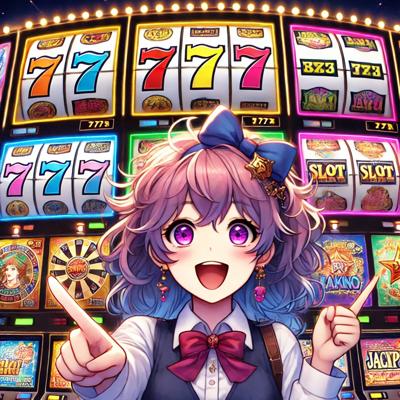
Identify games in the lobby
The lobby shows game names and icons. Similar names may refer to different versions, so check the game you actually open. An icon identifies an entry, not identical rules across versions.
Read the controls first
Open the game help or rules to check buttons, coins used per action and conditions for special features. Read before acting if a control is unclear.
Use guides as a companion
Website guides can explain the basic flow, but versions may differ. If a guide and the game interface disagree, check the latest in-game instructions.