PLAY777 already offers game categories and a favorites feature, making it easier to sort the games you play often and return to them quickly. This guide focuses on using game names, categories, and the member center to manage your list, while noting which details should always be checked on the current page.
This guide explains what a mobile browser shortcut, the login screen, and the member center each mean. A home-screen shortcut is only a quick way to open the site; it does not mean you will stay logged in forever. To confirm whether you are still using the same account, check the member center and the visible content in the game lobby.
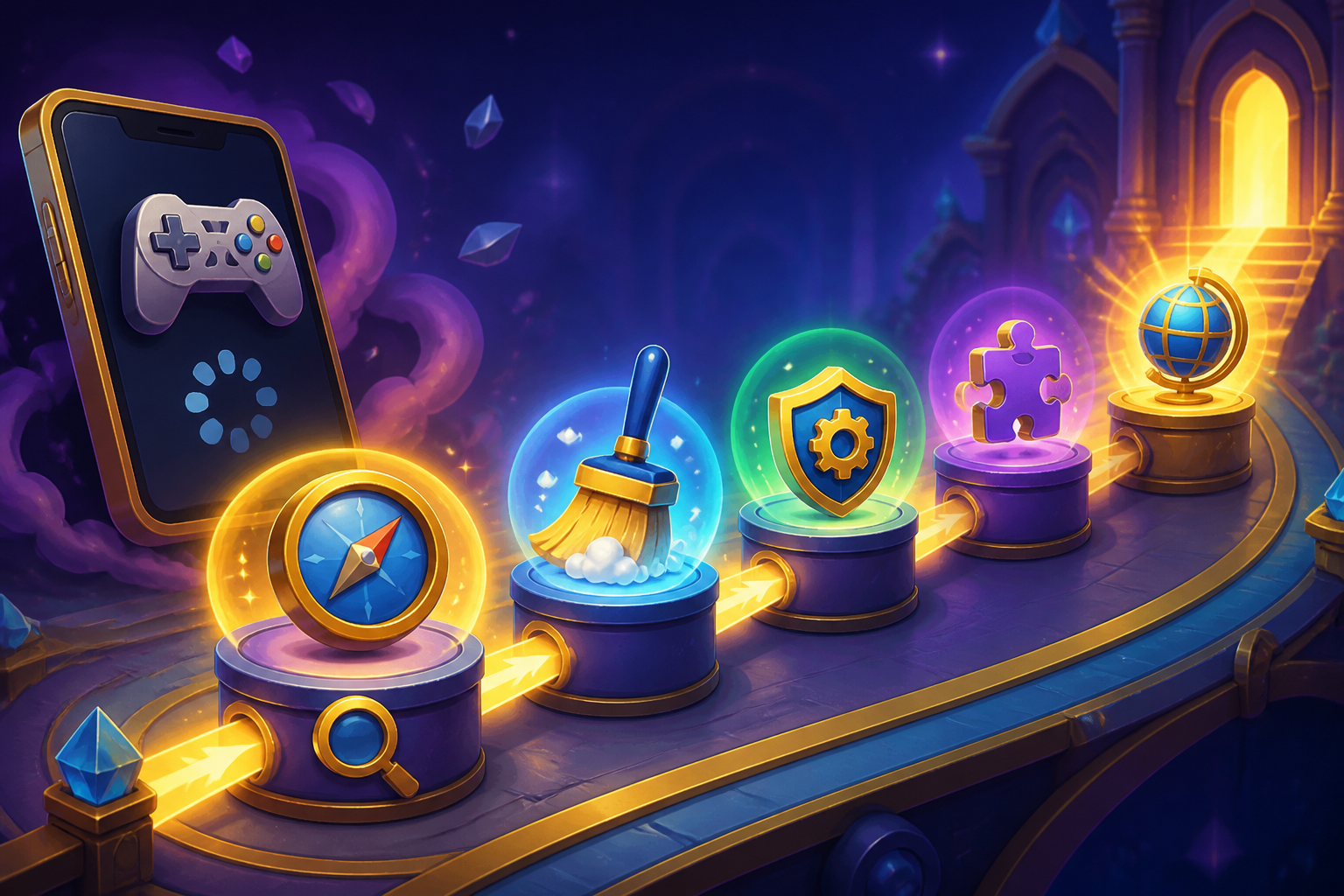
If PLAY777 gets stuck loading on your phone, shows an incomplete page, or won’t let you enter a game, check the login status, browser display, language version, and member center in order. The key is to compare what you can actually see, one step at a time, before deciding what to do next.
This guide explains the confirmed ways to switch PLAY777 languages, how to recognize the Indonesian site version, and how to verify a game title and account before entering a game. It focuses on checking the interface language, subdomain, login status, lobby, favorites, and categories so you do not confuse different versions or similarly named games.
On PLAY777, games with the same name may still have different interfaces, buttons, and rules. Check the game entry after login, the Member Center, and the in-game instructions first, then decide whether to continue. This helps avoid confusing another platform’s gameplay with PLAY777’s rules and reduces operating mistakes.
PLAY777 mainly offers free play content and an optional VIP service. This article explains what to check in the login, game currency, member center, and purchase pages so you can separate confirmed features from details that must be checked on the current screen.
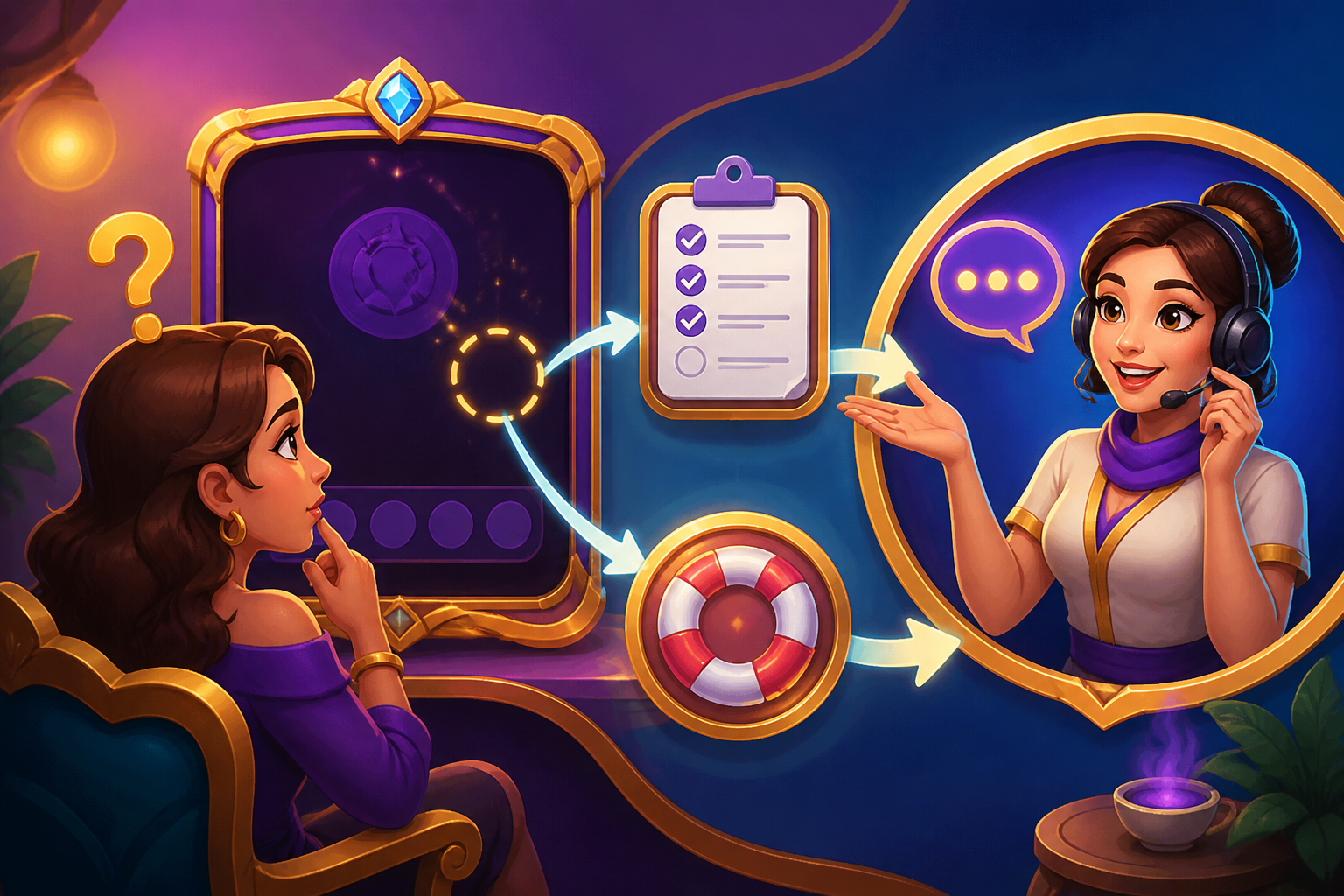
If the screen does not update right after you claim game coins, do not keep clicking or repeat the same step. PLAY777 game coins are for game use only, the member center lets you check member information, and both the game lobby and game entry require login. Gather your account, login method, page details, device, and timing first, then confirm through the on-site screen and customer service reply.
When you open an unfamiliar PLAY777 game for the first time, first confirm the game name is correct, then read its own rules, symbols, and control notes, and check the play conditions shown on screen. This helps you understand how the game works before deciding whether to use game coins.
Before playing on PLAY777, it helps to understand the rules page, symbol chart, and feature notes first. This makes it easier to tell how a game works, what is fixed, and what may differ by version or interface. This article follows confirmed platform details and focuses on a practical reading order so you do not mistake guesses for rules.
After changing phones, switching browsers, or logging in again, the most important thing is to first confirm that you are using the same login method and the same account source. PLAY777 currently provides LINE, Facebook, and Yahoo login buttons, and both the game lobby and game entry follow the site’s existing login and age confirmation flow. A mobile shortcut also does not mean you can permanently skip login. First check the member information in the Member Center, then return to the login screen and verify the source; in most cases, that is enough to tell whether you are logged into your original account.